A CRM that actually works
A CRM is only as useful as the person maintaining it. Most founders set one up with good intentions, then let it go stale within weeks — contacts stuck in the wrong stage, follow-ups missed, pipeline data that no longer reflects reality.
This workflow covers how I set up, maintain, and report on a CRM pipeline so that the data is always accurate, follow-ups happen on time, and the founder can see a real picture of their business at a glance.
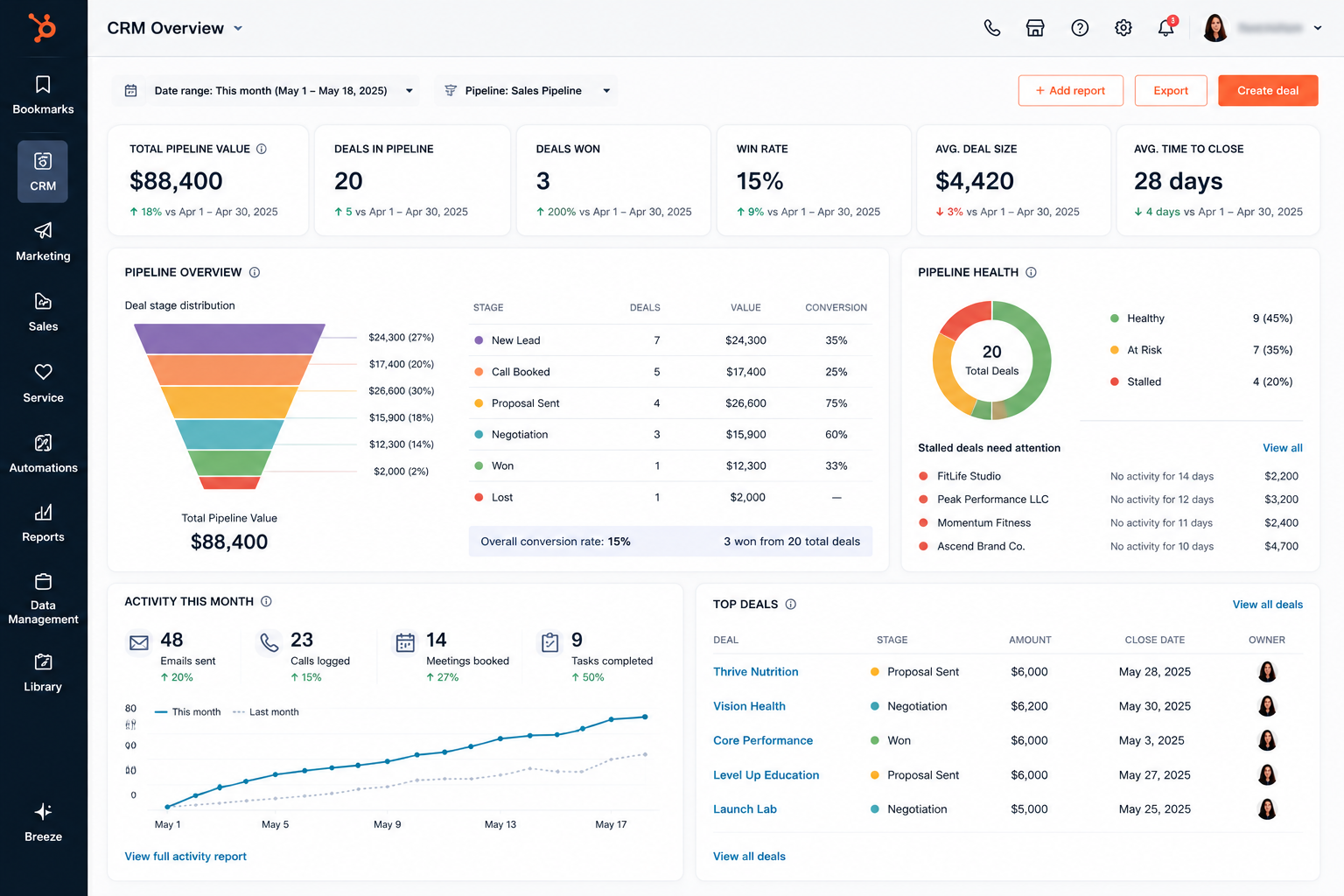
Six stages. Clear definitions. No gray areas.
Every contact in the CRM belongs in exactly one stage. No ambiguity, no "maybe" pile. Clear stage definitions mean clean data and faster decision-making.
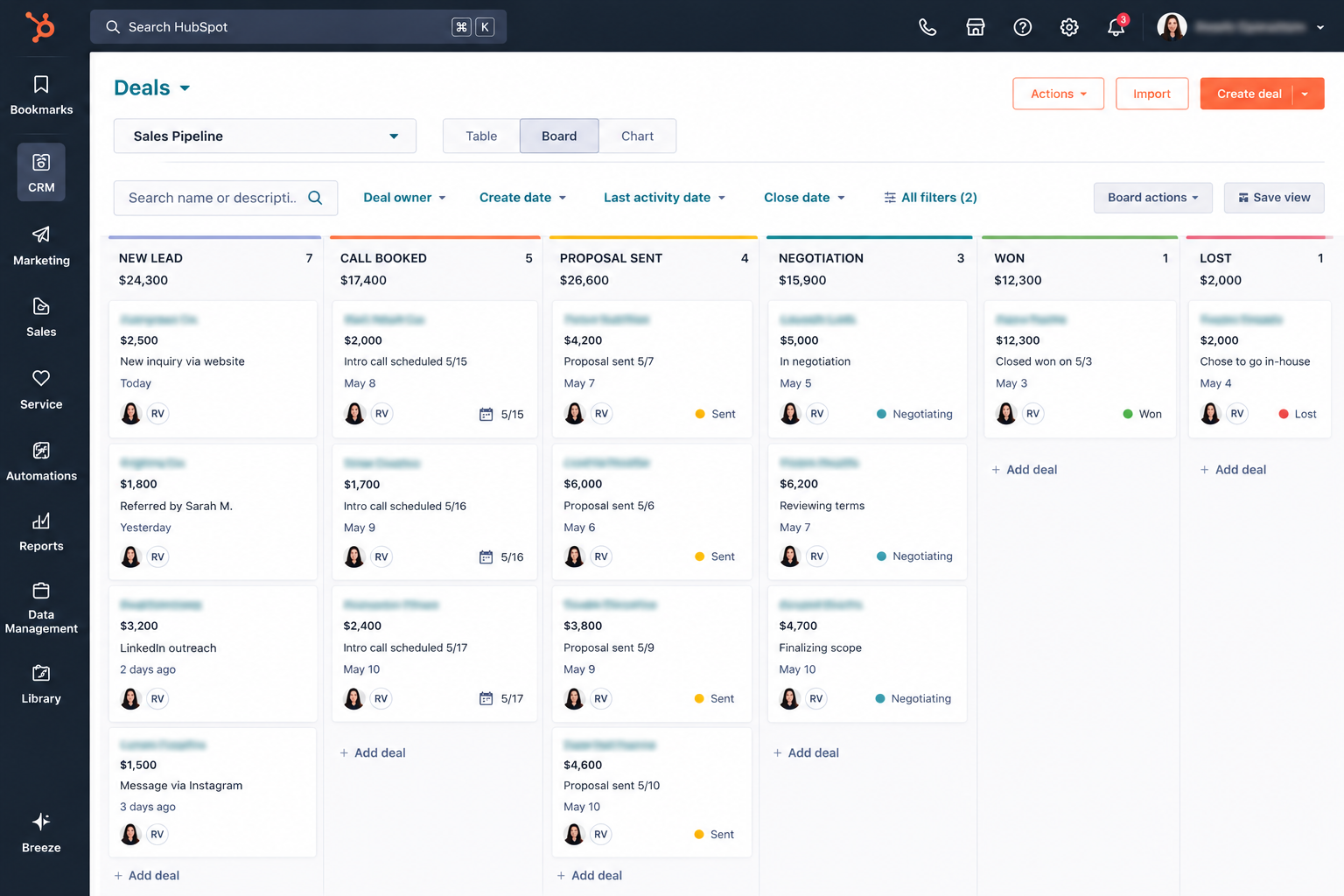
No lead goes cold without a plan
Every stage has a defined follow-up sequence. These are set up in the CRM as automated reminders or task triggers — so nothing relies on memory.
| Stage | Follow-up Timeline | Method | Max Attempts |
|---|---|---|---|
| New Lead | Within 24 hours | Email + Calendly link | 2 |
| Call Booked | 24h before call | Email prep message | 1 |
| Proposal Sent | Day 3, Day 7, Day 14 | Email (personalized) | 3 |
| Negotiation | Within 24h of any message | Email or Slack | Ongoing |
| No Response (14 days) | Final check-in then archive | 1 final |
All follow-up messages are warm, brief, and value-adding — never pushy. Every touchpoint should feel helpful, not desperate. If a lead isn't responding after the sequence, they're moved to nurture — not deleted.
Weekly cleanup keeps data trustworthy
Once a week, every contact in the pipeline is reviewed. Stale entries are flagged, stages are updated, and the data is brought current before the weekly report is run.
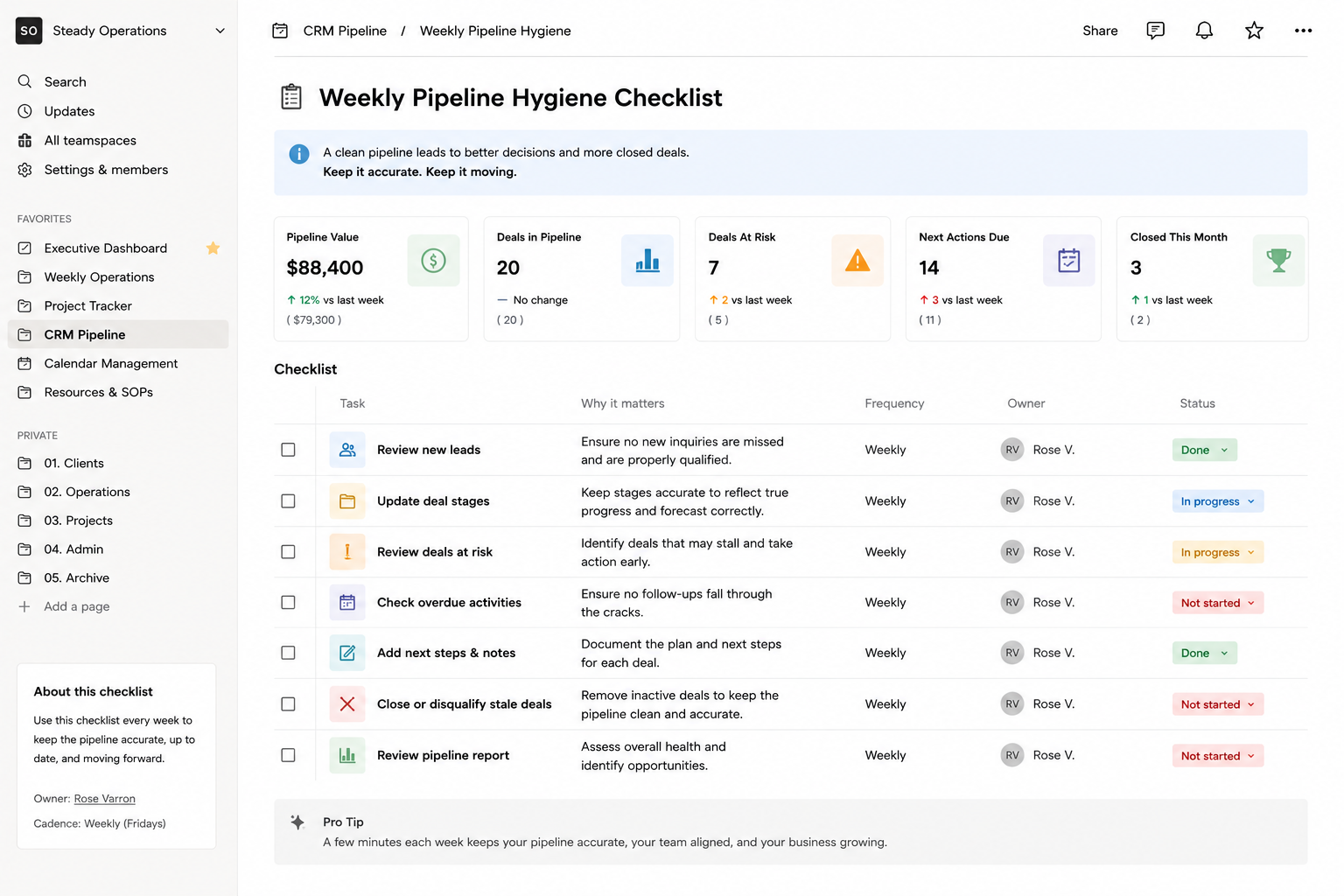
Pipeline at a glance — every Monday
The weekly pipeline report is one section of the Executive Dashboard. It gives the founder a snapshot of pipeline health without needing to log into the CRM.
New leads this week: 3 · Calls booked: 2
Proposals in progress: 2 · Proposals overdue for follow-up: 1 (flagged)
Closed Won this week: 1 · Onboarding triggered: Yes
Pipeline value (estimated): [insert if tracked]